Microsoft Publisher Templates
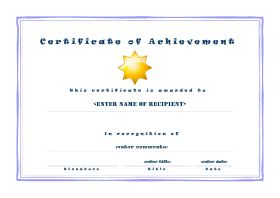
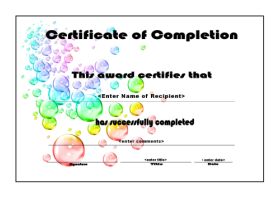
Microsoft Publisher Templates - Award Certificates:

What are Microsoft Publisher Templates?
A template built using MS Publisher is a
desktop publication that has been designed and setup so that each time
it is opened it's overall design, appearance and publication type
remains consistent.
Templates can be used to create publications for print, websites and email.
Graphics, text and formatting that are to be applied to each publication created from a template are added to the Master Page within a Publisher file. Additional text, graphics and page formatting for the individual publication are created on top of the Master Page.
Extremely useful if you regularly produce publicity for your classes such as posters, flyers and brochures.
Why not use MS Word?
MS
Publisher differs from Word in that the emphasis is based on page
layout and design rather than on composing and proofing text.
Graphics,
blocks of text and creative formatting are far easier to layout on your
chosen publication. Often people will use Word to create their
publications but Publisher is far easier, quicker and far less
frustrating to use.
Before opening Microsoft Publisher templates or any other files downloaded from the internet, check that they are safe to open
OTHER MICROSOFT OFFICE TEMPLATES:
MS Word templates (word processing)


 |
Planning Templates: |
Attendance Templates: |
Awards: |
Tips & Advice: |
|
Flash Cards: |
Maths Resources: . Times Tables |
|
class-templates.com Copyright 2024 |